Only people with the Full Access, Root Group role in your Lytx Account can sign in to the Developer Portal. Without it, you can't view docs that need sign-in, create service accounts, or see Usage Analytics.
If you don't have the role as defined, contact org admin.
SSO is supported. If your organization uses SSO, sign in through your existing identity provider. You won't need to set up client ID and secret authentication separately.
Troubleshooting
| You see | Why | What to do |
|---|---|---|
| You can't sign in | You don't have the Full Access, Root Group role yet. | Ask your org admin to give you this role. |
| You're asked to verify your email | You signed in with a new username, but the same email as before. Redocly sends a short email to check it's really you. | Look for an email from [email protected]. Open it and click the link inside, or enter the code shown. Then try signing in again. The link or code expires in 1 hour. |
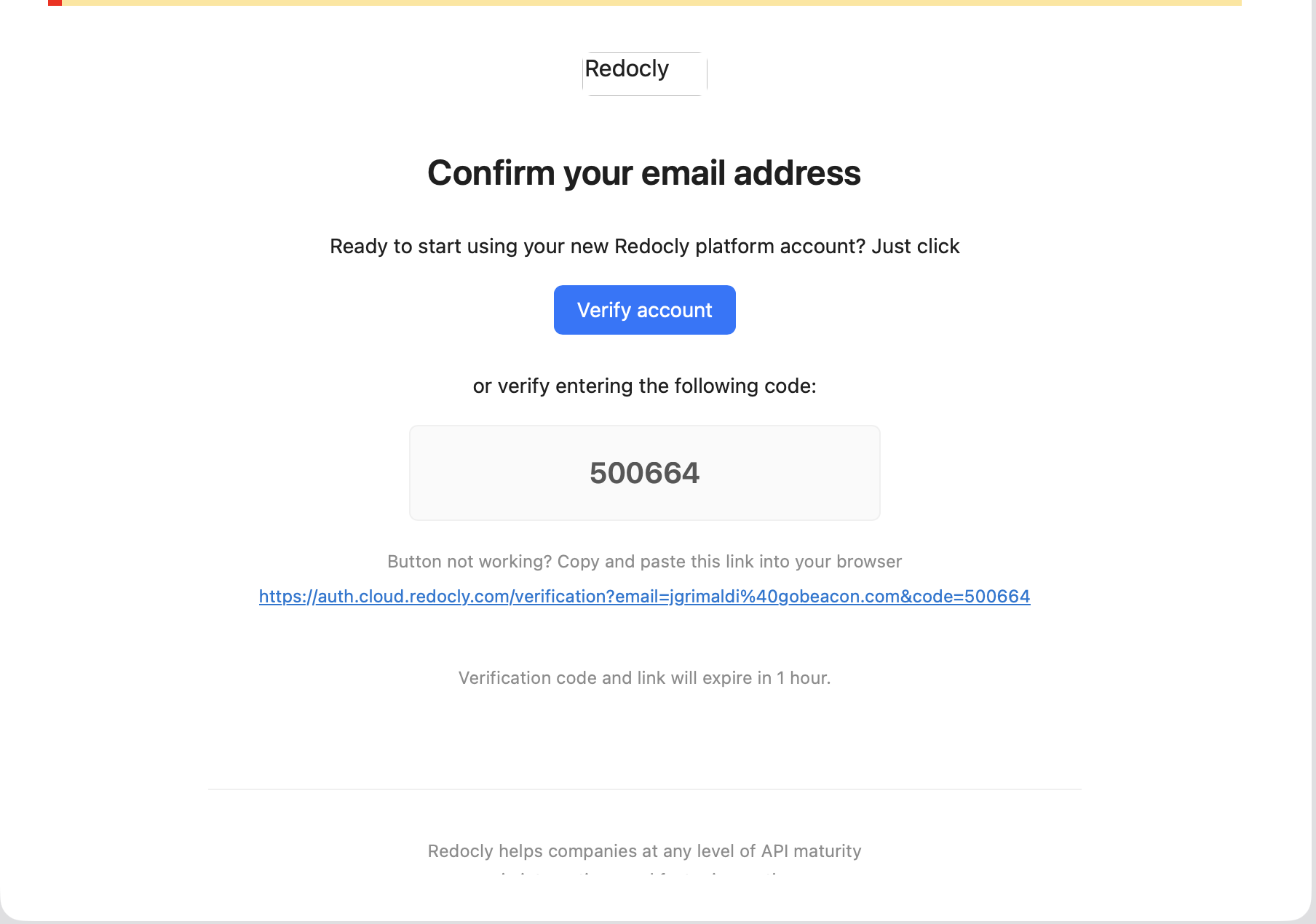 Example of the verification email from [email protected]. The link or code expires in 1 hour.